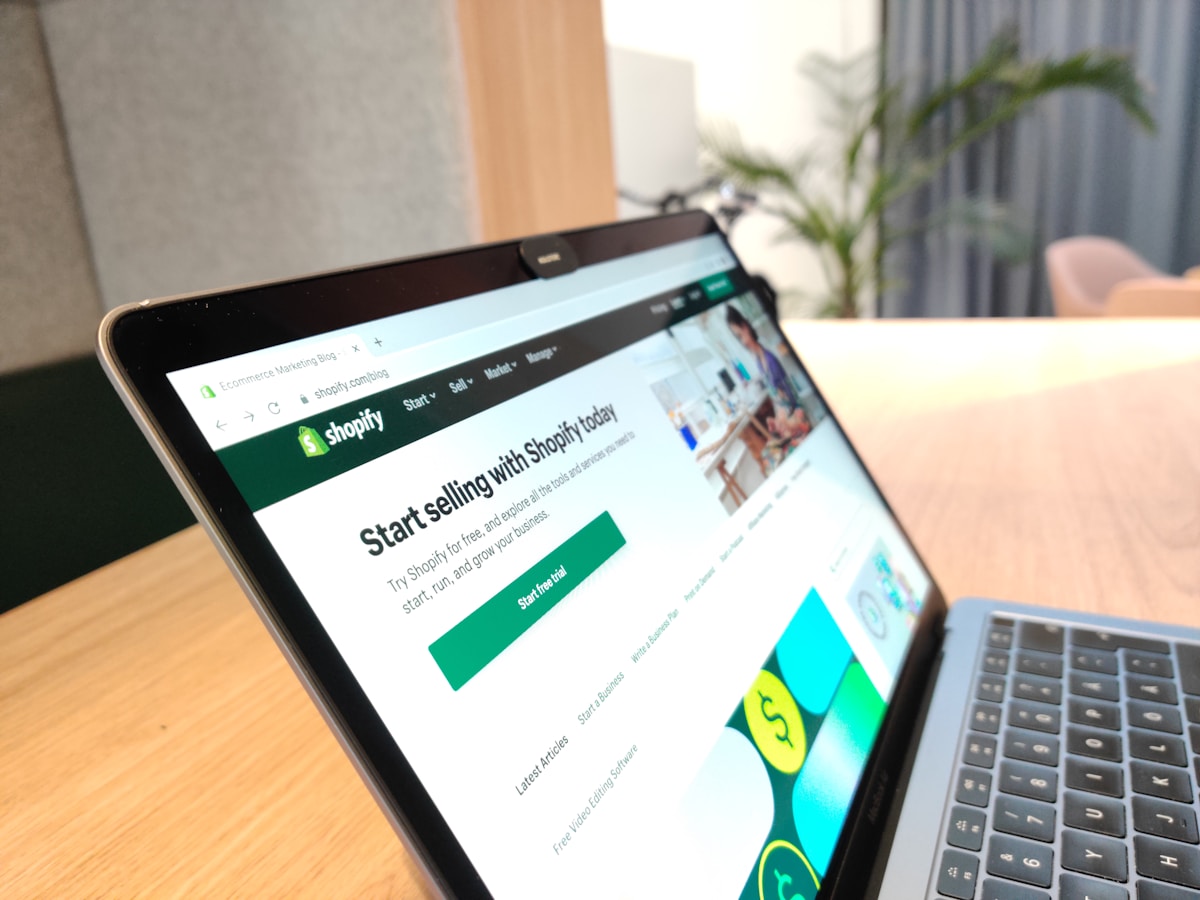
Shopify is the default platform for building a dropshipping store in 2026 — not because it's magic, but because it handles payments, checkout, and supplier apps in one place for about $39/month. Setting it up takes an afternoon. The part that decides whether you make money happens before and after the store, not inside it.
That reframe matters because most "Shopify dropshipping" advice sells the platform as the hard part. It isn't. Shopify is the easy 5% — a competent storefront is a solved problem. The other 95% is product selection, supplier vetting, and the unit economics that decide whether each sale earns money. This guide gets the store built fast and honestly, so you can spend your real effort where it counts.
- Shopify Basic plan: ~$39/month (the only tier you need to launch)
- Domain name: ~$15/year (or free for the first year via Shopify)
- One fulfillment app (DSers, Zendrop): $0–$30/month — many start free
- Theme: $0 — the free Dawn theme converts fine
- Real first-month platform cost: ~$40–$70 — the ad budget is the actual expense, not Shopify
Is Shopify required for dropshipping?
No — and any honest guide says so. You can dropship on WooCommerce (cheaper, more technical), Wix, or even marketplaces like eBay and Amazon (different model, covered in their own guides). Shopify wins for most beginners on one axis: time. Everything a dropshipping store needs — hosted checkout, payment integration, a deep catalogue of supplier-automation apps — works out of the box, so you reach your first ad test in days instead of weeks.
If you're comfortable with WordPress and want the lowest running cost, WooCommerce is the honest alternative. For everyone else, Shopify's monthly fee buys back the time you'd otherwise spend on plumbing. That's the whole trade.
Step-by-step: setting up the store
- 01
Start on the Basic plan, ignore the upsells
Open a Shopify account and choose the Basic plan. You don't need Shopify, Advanced, or Plus to launch or to find your first winning product — those tiers only earn their cost at real order volume. Starting on a higher plan is the first place beginners overspend.
- 02
Pick a clean theme, build ONE product page
Use the free Dawn theme — resist a $300 premium theme before a sale. Build one focused product page with your own photos and video from a sample you ordered (this alone beats competitors using stolen supplier images), one clear value proposition, and reviews only if they're real.
- 03
Install ONE supplier-automation app
From the Shopify App Store, install a single fulfillment app — DSers, Zendrop, or Spocket. It routes each order to your supplier automatically; manual address-copying breaks the moment you hit ten orders a day. Install nothing else yet.
- 04
Set up payments and the legal pages
Turn on Shopify Payments (or PayPal/Stripe), then add the four pages every processor checks for: privacy policy, refund policy, terms of service, and a contact page with a real email. Skipping them is the fastest way to get your payouts held.
- 05
State shipping times honestly
Put real delivery estimates on the product page and at checkout. If your supplier ships in 8–15 days, say so. Hiding it is the single biggest cause of "where is my order?" disputes — and a chargeback rate near 1% gets your processor account frozen. Honesty here is account survival, not just ethics.
- 06
Test checkout before you spend a cent on ads
Place a real order through your live checkout. Confirm payment goes through, the order routes to your supplier app, and the tracking email fires. Launching ads to a broken checkout wastes every click.
The apps you actually need (and the ones you don't)
The Shopify App Store is a funnel of its own. To launch, you need exactly one fulfillment app and maybe a reviews app. You do not need a dozen "conversion booster," "currency converter," and "upsell wheel" apps before your first sale — each one slows your store and adds a monthly fee against margin you don't have yet. Add apps to fix measured problems, never in advance.
Common Shopify dropshipping mistakes
- Overspending on plan + theme + apps before a sale. The platform should cost ~$40 in month one, not $300.
- Building a 200-product general store. These convert terribly. Launch with one product done properly.
- Treating Shopify as the goal. A live store with no validated product and no break-even math is a hobby, not a business.
- Ignoring the numbers. Shopify will happily let you sell at a loss forever. The math won't.
"Shopify is the easy part. Everyone can build the store. Almost no one runs the numbers behind it — which is exactly why most stores quietly lose money."
Once your store is live, the real work begins: picking a product that can actually carry ad costs, and pricing it from the math. Start with the full 30-day launch plan, then run your product through the break-even CAC calculator before you open an ad account. If the product side is still unsettled, how to find dropshipping products that sell is the prior step. And if you haven't yet decided whether to start at all, read Is Dropshipping Worth It in 2026? first — it leads with the failure rates.